Secure Access Agent
Project Duration
October 2024 - December 2024 (3 months)
The Problem
Employees need a way to view and request access to controls
Role
Lead Designer & Researcher
Responsibilities
User Research, Wireframing, Prototyping
Research
Given the complexity of managing access to critical systems within a global financial institution, user research was an essential foundation for designing the Secure Access Agent. To ensure the application met both security requirements and user needs, I conducted in-depth interviews with 10 employees across various departments at the bank. These conversations revealed a range of challenges, from confusion around access request workflows to frustration with inconsistent notifications and lack of visibility into access statuses,
What is wanted in the Secure Access application?
Full view of controls
Users would like to be able to see the controls that are available to them all at once.
Clear indicator of current control status
It is not always clear which controls are enabled active or disabled, and users requested a system for showing this.
Options to change & request access
Users would like a system for activating and deactivating the controls they currently have access to, as well as requesting access to controls they do not have access to.
Scalability
Because this is a relatively new concept, the platform is expected to change over time. This means our end product needs to be scalable to allow for additional features in the future.
Who are we designing for?
Bank employees who frequently utilize controls that require enhanced security
Goal: Users would like to view all controls and perform actions on those controls based on their statuses
Pain point: There is no centralized location to view all controls or perform actions
Bank employees who sometimes require access to controls and are less familiar with the process
Goal: Users want to be able to perform their work functions with ease
Pain point: The control access they need in order to do their jobs is unclear, and the processes for requesting access and activating/deactivating access is confusing
Solution
Deliver a sophisticated design solution that provides users with a clear and intuitive way to view/request access to controls, while also prioritizing scalability to account for future changes to the application.
User Flow and Wireframes
We used our findings from interviews to create an intuitive and comprehensive set of control visuals. We then established some user flows to determine what actions should be presented to the user in each of the control type scenarios. Our goal was to envision every possible scenario and provide the user with the proper action choices accordingly.

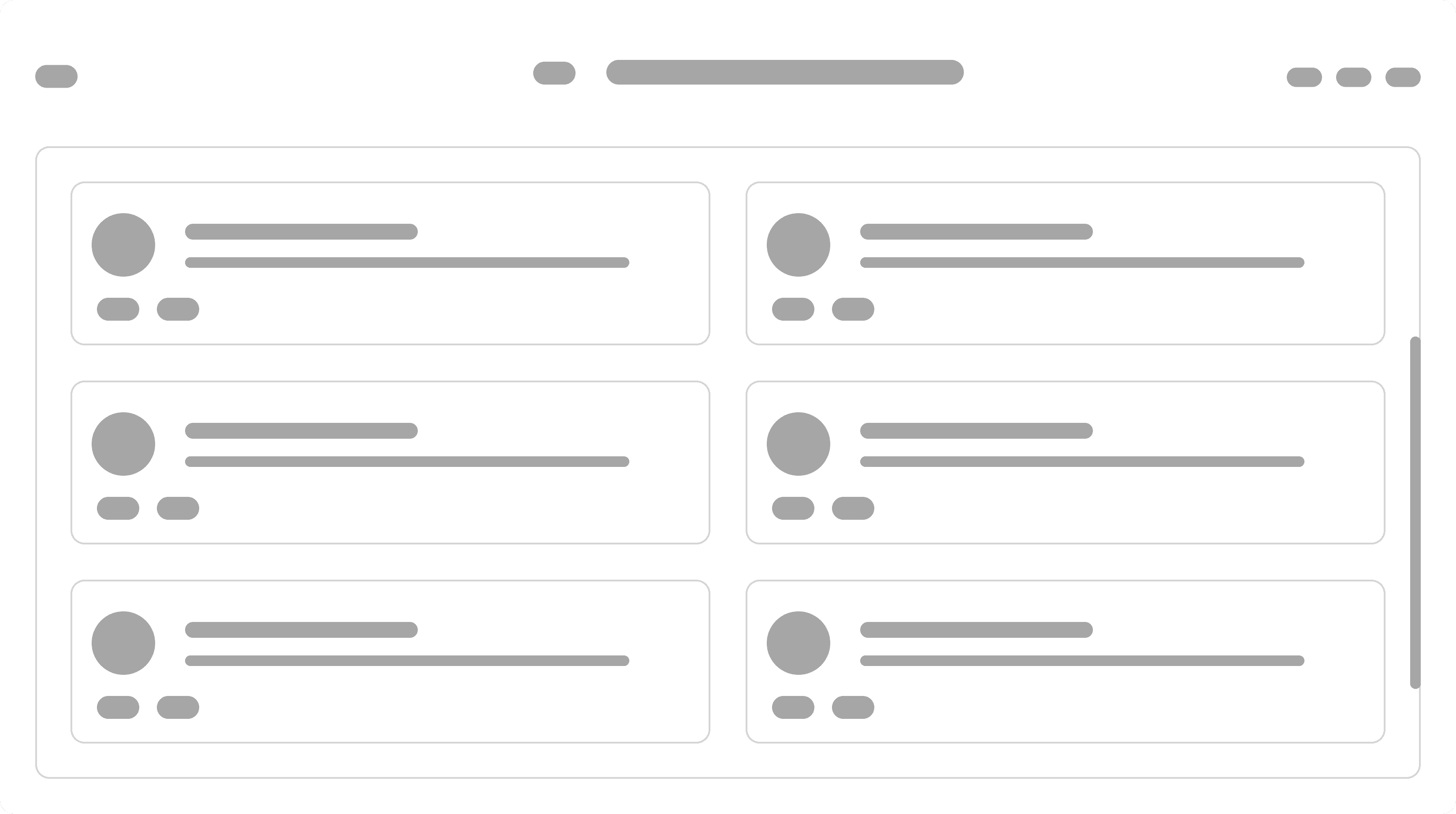
We then created wireframes to explore the possible layouts of the application, while prioritizing full visibility of all controls and actions available to the user.

Design and Prototypes
We narrowed down our designs to two potential options to present to stakeholders. The first was a more compact, two column view. Each control block displayed the control name and status. Actions for each control were accessible by clicking on the icon in the top right corner of the control block.

The second design was a list view of all controls, with the possible user actions associated with each control being fully visible at all times. After consulting stakeholders, we decided to move forward with this design, as it provided a more comprehensive view of the controls and limited the number of clicks. It is also scalable in the sense that more controls can be added in the future without having to change the design of the application — the user will be able to scroll vertically to see controls if more than six are present.

Next Steps
Incorporate the access request functionality into the application — the current access request page is located externally.
Redesign the access request portion of the application so that it is consistent with the current UI.
Provide more help text and tool tips for users who are less familiar with Secure Access concepts.